Arbor
What Arbor is
A site starts from a template: its pages, sections and menus. Every color, size and font comes from the template, so whatever you change, it never stops looking designed.
A site can be a website (pages, menus, a contact form) or a store (all of that, plus products, a cart and orders).
Website templates
For a studio, a practice or a project: pages, menus and a contact form.

Alder: Studio
For an architecture, design or craft studio showing its projects. Use this template · Try the admin
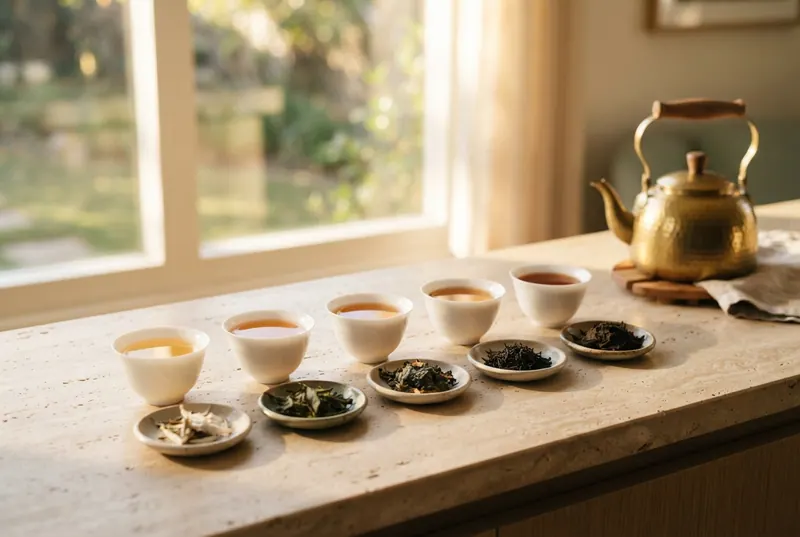

Store templates
For a shop: everything a website has, plus products, a cart and orders.
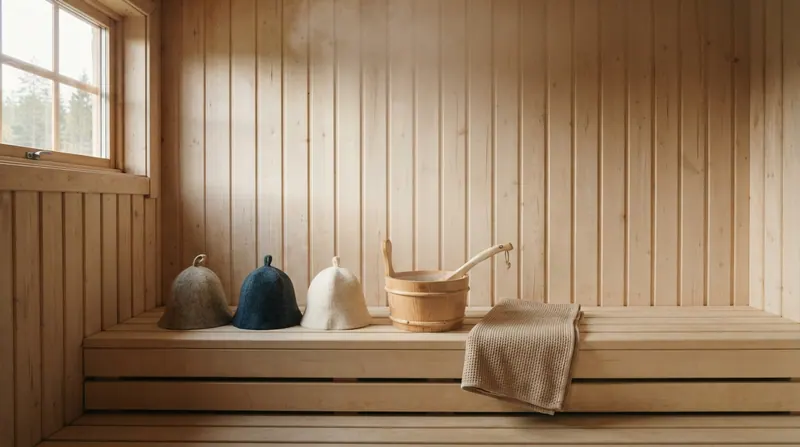
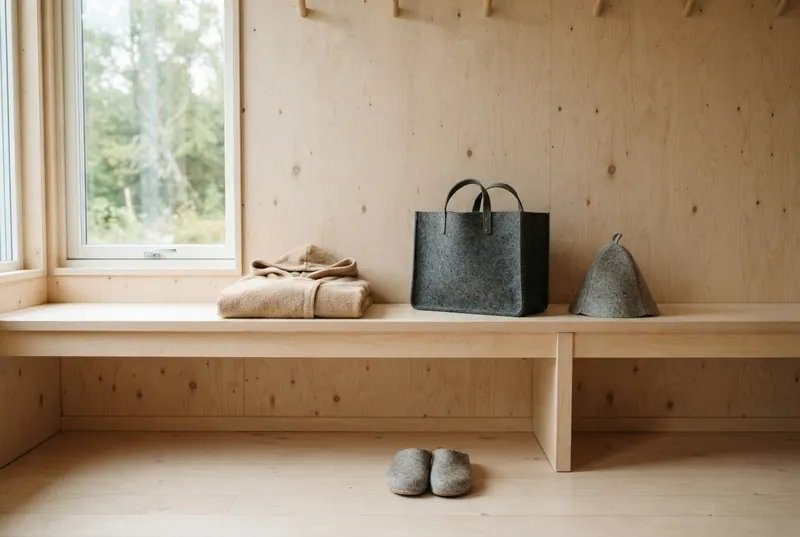
Birch: Felt & Fjord
Birch-bark cream and fjord blue, Young Serif over Figtree, Willow's layout for felted wool sauna hats. Use this template · Try the admin
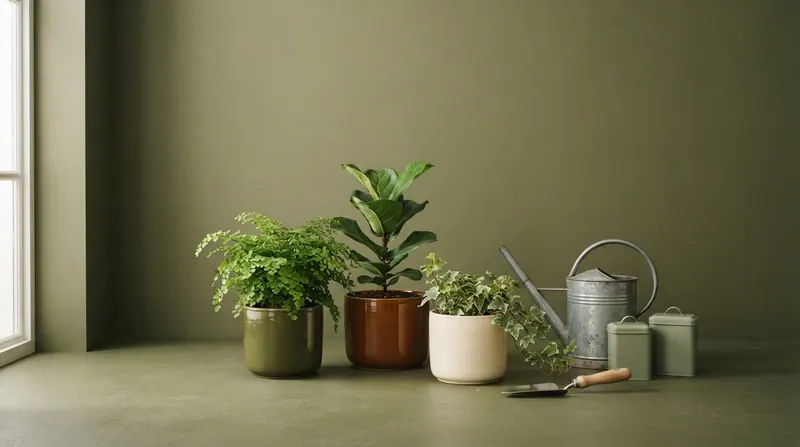
Willow: Moss & Mattock
Olive and cream, Gilda Display over Jost, a giant wordmark hero and a split menu around a centered logo. Use this template · Try the admin

Juniper: Lull & Thistle
Deep teal and lavender with mint accents, italic Playfair headings, a slideshow hero and a night mode. Use this template · Try the admin
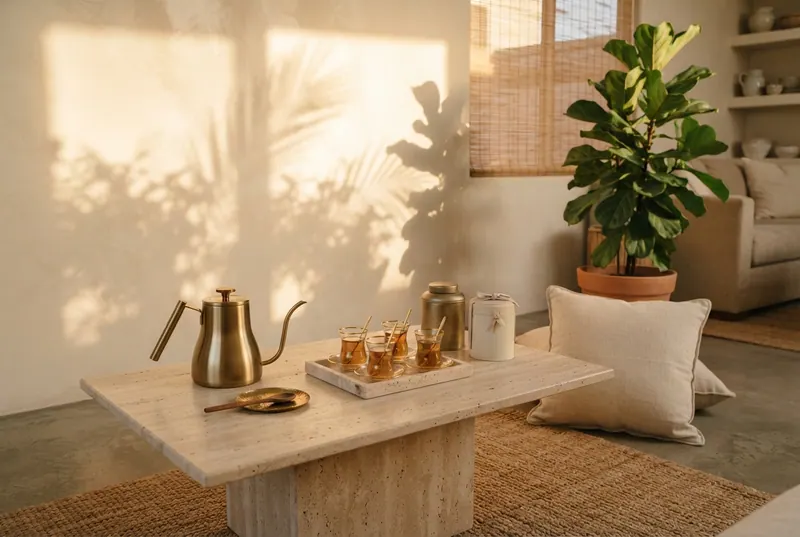
Cedar: Duneleaf
Warm cream, sand and bronze; wide-tracked Tenor Sans with an italic Cormorant hero, under a transparent header. Use this template · Try the admin
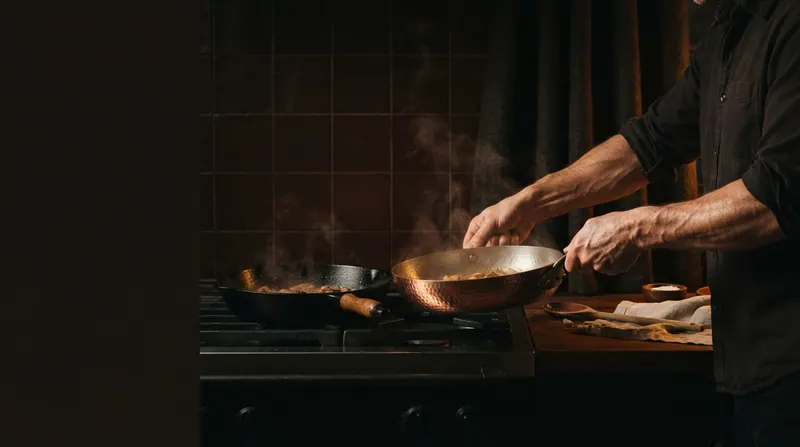
Rowan: Bramble & Bellows
Oxblood and tobacco on white, light italic Platypi headings over Host Grotesk, amber-lit kitchenware. Use this template · Try the admin

Aspen: Lowfold
Light gray and near-black, Rethink Sans throughout, product-led and quiet. Use this template · Try the admin
Arbor isn’t another chatbot. Connect the assistant you already use and ask it for a page, a new headline, a calmer homepage. Every change stays inside your template’s design, and nothing goes live until you say so.
1. Copy your Arbor address.
2. Add it to your assistant's connectors.
3. Sign in, allow, and ask.
Works with Claude today. ChatGPT and others coming soon.
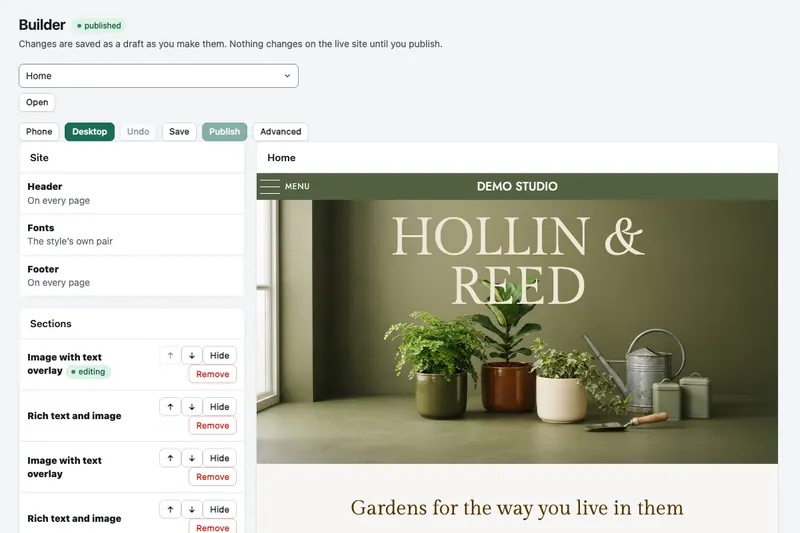
The visual builder shows your page as you edit it: click a section, change its words and images, check it on a phone, and publish when you like it.